


Overview
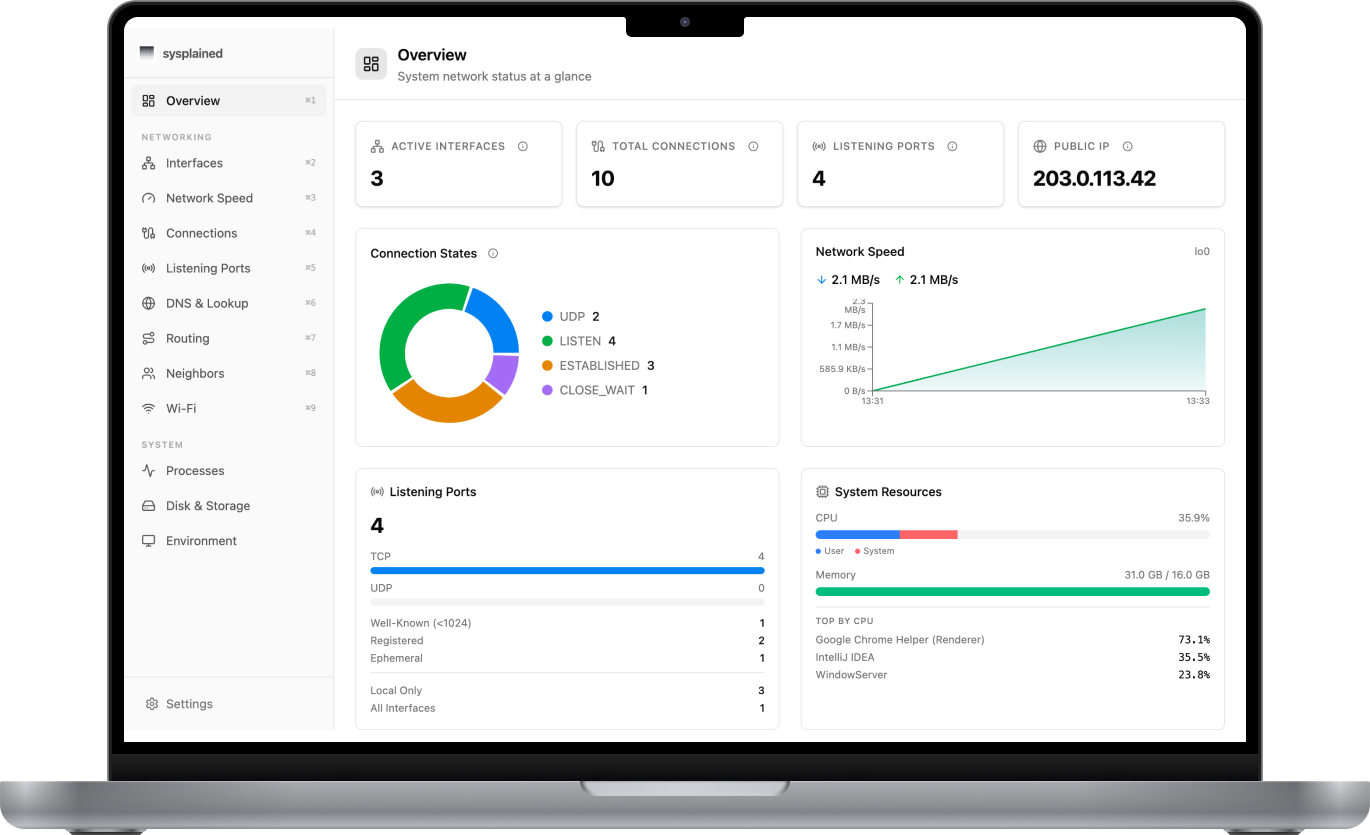
Sysplained is a native macOS dashboard that translates cryptic terminal output into clear, visual insights. It covers networking, running processes, and disk storage — all in one place, with plain-English explanations for every metric.
While I was preparing for my AWS certification, I got sick of macOS terminal views that were not user friendly at all. At this moment, I started Sysplained as a side project during my studies. It was also a means to test out Claude Code, which I used heavily to write the entire codebase — the app itself was planned meticulously, but every line of code was written by Claude Code. The whole process, from initial idea to an Apple-signed, downloadable app, took no longer than a week.
Here on this page you get a summary of Sysplained's features and how it can help you. But actually you just go and check it out live.
What it does
12 views are organized across three groups:
Networking
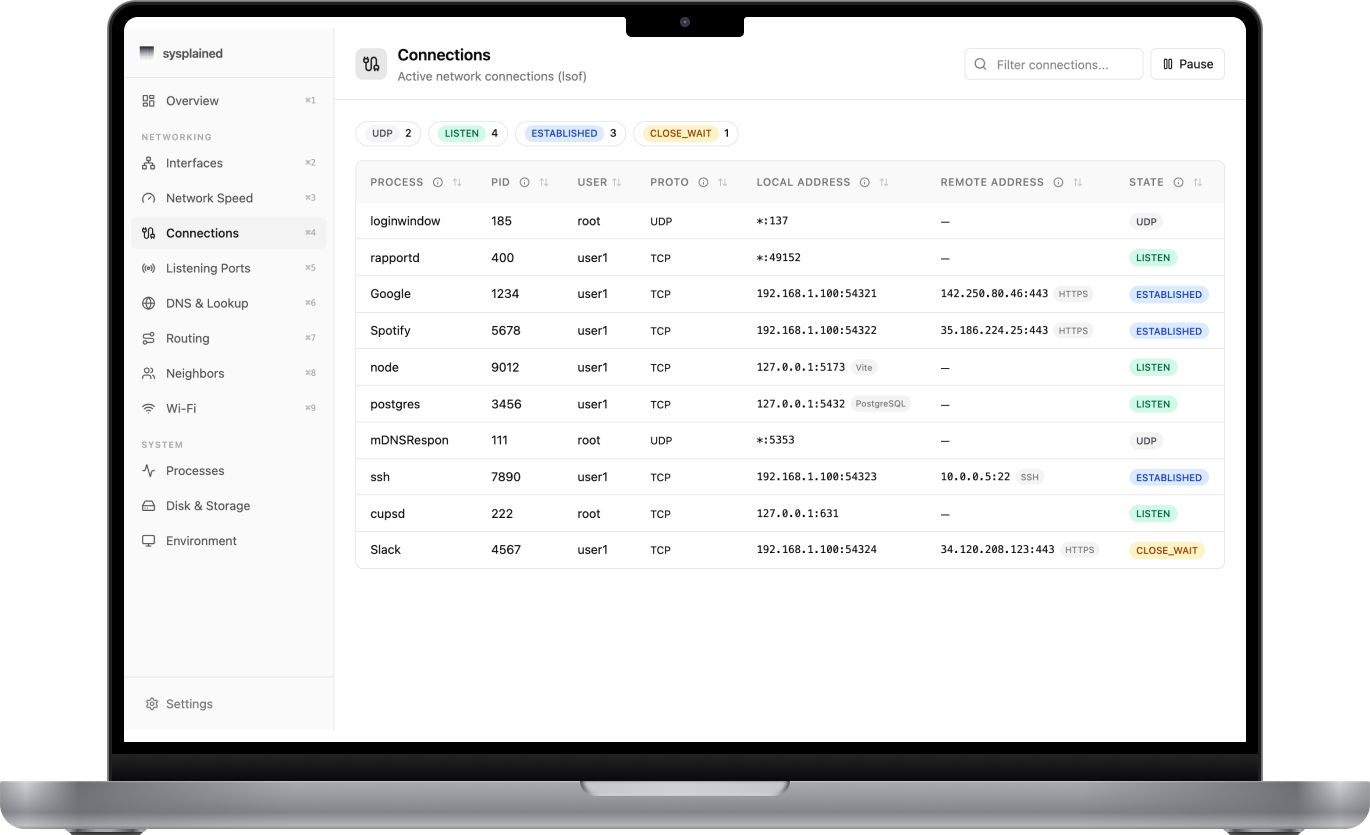
Interfaces, live bandwidth, active connections, listening ports, DNS lookup, routing, ARP neighbors, and Wi-Fi details make the Mac's network activity easier to understand.
System
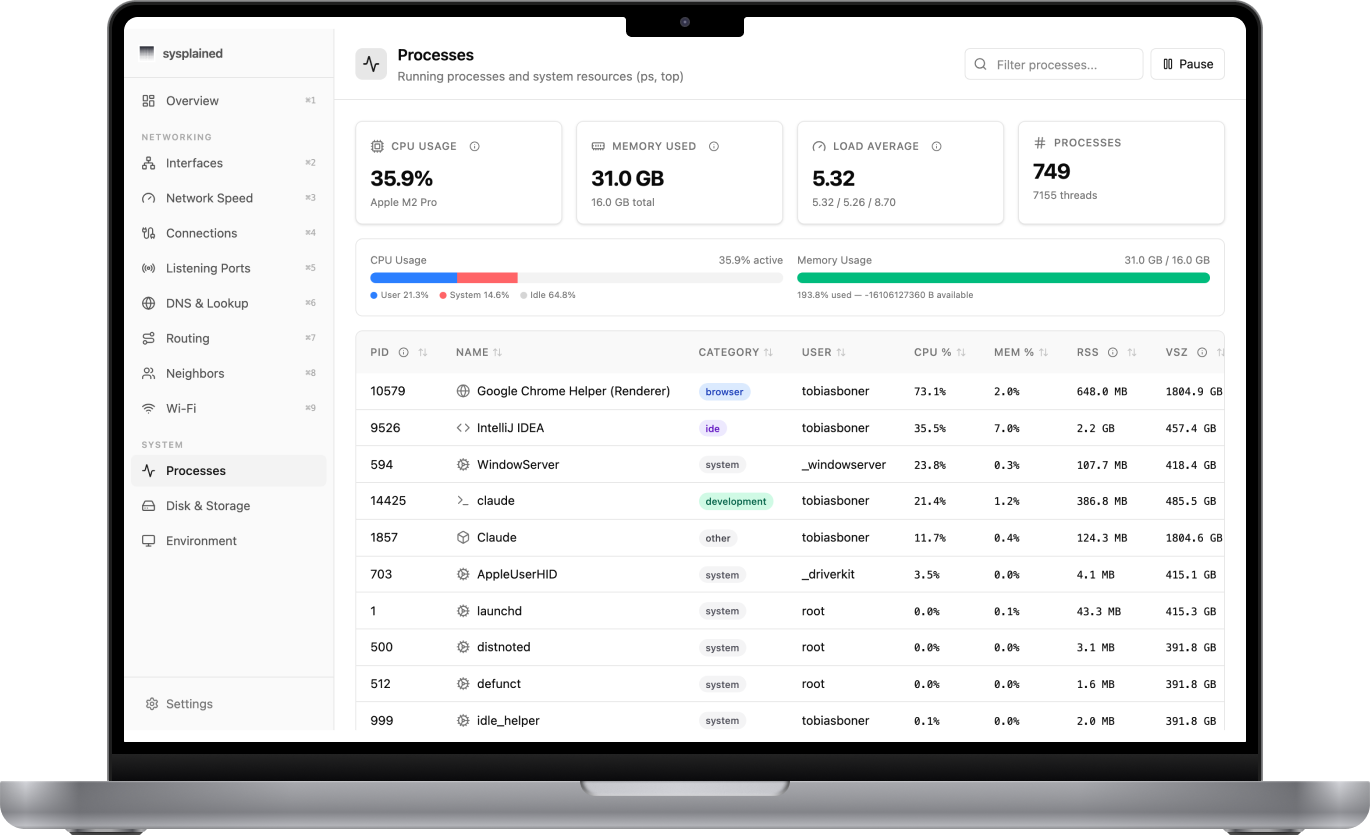
Running processes, CPU and memory usage, disk and storage layouts, and environment information explain what the Mac is doing and which resources it is using.
Architecture
macOS shell commands (ifconfig, lsof, netstat, ps, df, dig, ...) are executed via a Tauri Rust backend through a strict capability allowlist. Pure TypeScript parser functions transform raw stdout into typed data, making them independently unit-testable with fixture files. TanStack Query handles caching and per-view polling intervals — inactive views pause their refresh to avoid unnecessary system calls.
Deployment and AWS infrastructure
Sysplained uses two separate AWS delivery paths, defined as Infrastructure as Code with AWS CDK. The Astro landing page at sysplained.com is deployed through GitHub Actions to a private, versioned S3 bucket behind CloudFront. Route 53 provides DNS, ACM provides TLS certificates, and edge caching, URL rewriting, and security headers keep the static site fast and secure.
The app itself runs locally on macOS, while AWS provides its release channel at downloads.sysplained.com. Version tags trigger GitHub Actions to build, sign, and notarize the app, then assume a narrowly scoped AWS role through OIDC and upload versioned DMGs, checksums, updater archives, signatures, and a latest.json manifest to a second private S3 bucket behind CloudFront. The landing page uses a stable download URL, while the app checks the manifest for new releases and verifies signed updater packages before installation. No permanent AWS credentials are stored in GitHub.
Tech stack
Built with Tauri 2 + React 19 + TypeScript + Tailwind CSS 4. UI components from shadcn/ui. Tables via TanStack Table, charts via Recharts. 117 tests covering all parsers. Automated screenshot capture via Playwright.
The app packages into a single ~11 MB .app binary targeting macOS 12+.