

PROJECTS
Daily Tech Wiki

Personal Automation · AI Audio
Overview
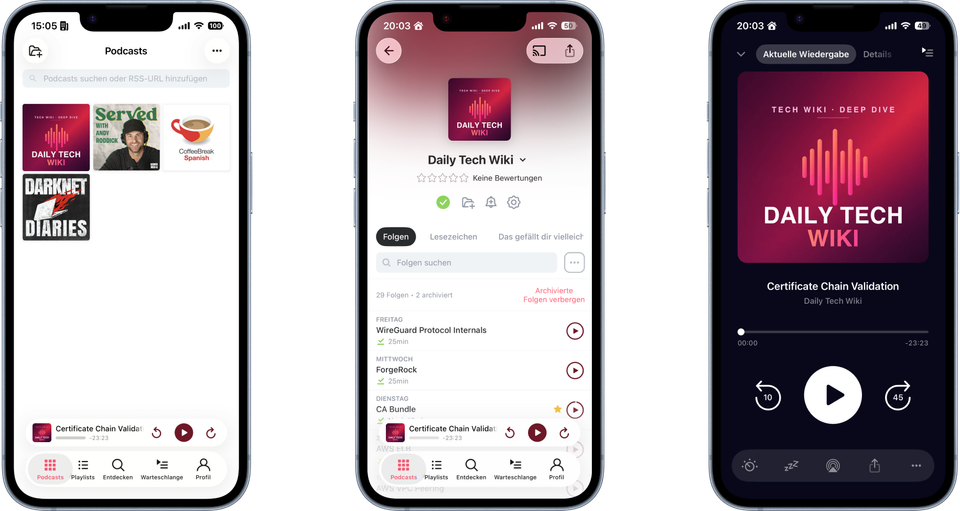
Daily Tech Wiki is a small automation that turns my personal knowledge base into a podcast. On its schedule, the workflow picks a topic I've written about, has it researched, and narrates it as a ~15–20 minute deep-dive conversation, then publishes it as a real podcast episode — so I can revisit what I've learned by listening on a walk instead of re-reading notes at a desk.
"Why showcase this? It's not really a project!" Fair point. I'm including it because it's one of the best examples I have of using AI plus automation to improve something I engage with daily — or at least often, since I'm already behind on episodes.
From notes to knowledge
It starts as a daily habit. I keep an Obsidian vault organized with the PARA method, and inside it a dedicated Tech Wiki — a growing second brain of concise, heavily cross-linked notes on the tools, standards, and concepts I run into while building software. When I learn something worth keeping — a new AWS service, a TLS detail, a database trade-off — it becomes a short note that links out to related concepts, so the knowledge compounds into a graph rather than a pile of documents.
That wiki is the raw material. The rest of the project is about getting it off the page and into my ears.
How an episode is made
A dedicated machine runs a scheduled workflow with only the data and permissions required for the task. The workflow drives the pipeline from topic selection to publishing:
- Pick a topic — it chooses a Tech Wiki note that hasn't been covered yet, keeping a history so it works through the vault without repeats.
- Research it — an AI step reads the note and its linked neighbours, then pulls a few high-quality web sources to round out the context.
- Generate the audio — those sources feed Google NotebookLM, which produces a natural, two-host "audio overview" — a deep-dive conversation about the topic, in English, roughly 15–20 minutes long.
The result is a finished episode plus a companion note, produced without me lifting a finger.
From file to podcast
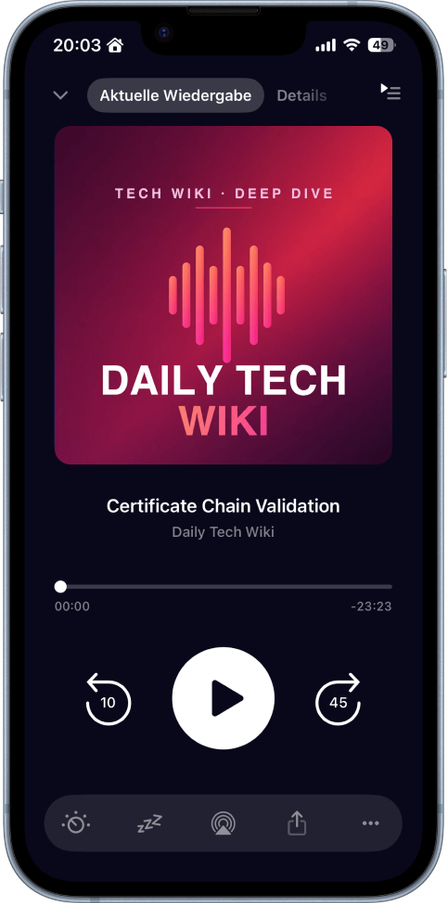
An audio file on a disk isn't a podcast. To get true podcast-app behaviour — resume-where-you-left-off across devices, variable speed, silence trimming, offline auto-download, and a notification when a new episode drops — you need an RSS feed with the audio hosted at public URLs.
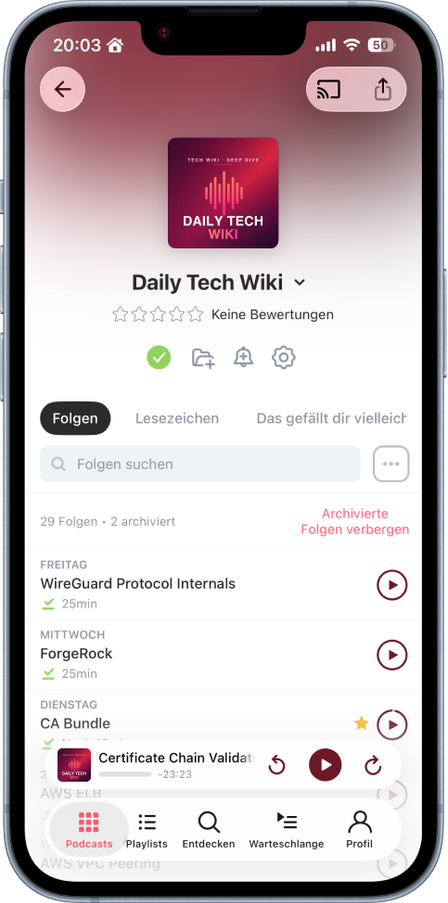
So each episode is uploaded to object storage and a standards-compliant podcast feed is regenerated automatically, pulling the title, description, and duration straight from the source note. From there it behaves like any show: I subscribe once, and each new episode simply appears — no sideloading, no fiddling.
Subscribe
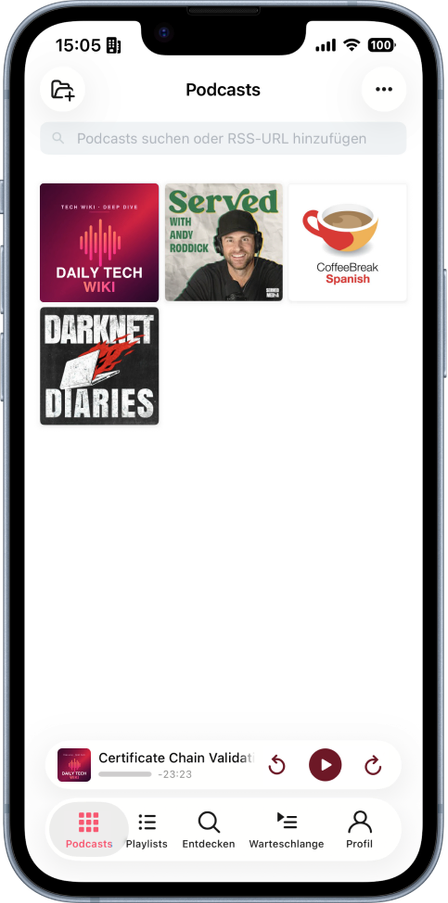
The show is a public podcast RSS feed — add it to the app of your choice:
Feed URL: https://pub-2abb9a06d20b48b78ab0b3e9fbb72a68.r2.dev/feed-f0bf21bb688c.xml
- Pocket Casts (iOS · Android · web) — Profile → + → Add URL → paste the feed URL
- Overcast (iOS) — + → Add URL → paste
- AntennaPod (Android) — + → Add Podcast by URL → paste
- Apple Podcasts — on a Mac: File → Follow a Show by URL → paste (it then syncs to your iPhone)
- Spotify — not available for personal feeds; Spotify only lists shows submitted by creators to its directory
Under the hood
The pipeline is a scheduled workflow orchestrating scripts: AI-assisted tools handle the research and note-writing, NotebookLM renders the audio, and a small generator rebuilds the RSS feed. Episodes are hosted on Cloudflare R2 object storage, whose zero-egress pricing keeps a steadily growing audio library effectively free to serve.
Bonus Fail
If you're interested in the system prompt NotebookLM uses for podcast creation, check out the Service Federation episode — a little bonus for the curious.


